When people think of coding, they picture logic, precision, and structure — not creativity.
But I’ve learned that the two aren’t opposites; they depend on each other.
As someone who’s spent years performing and choreographing before diving into tech, I’ve realised that the tools I use shape how I think, learn, and create. Whether I’m sketching a new idea, designing an interface, or debugging a stubborn function, the right setup keeps me curious — not overwhelmed.
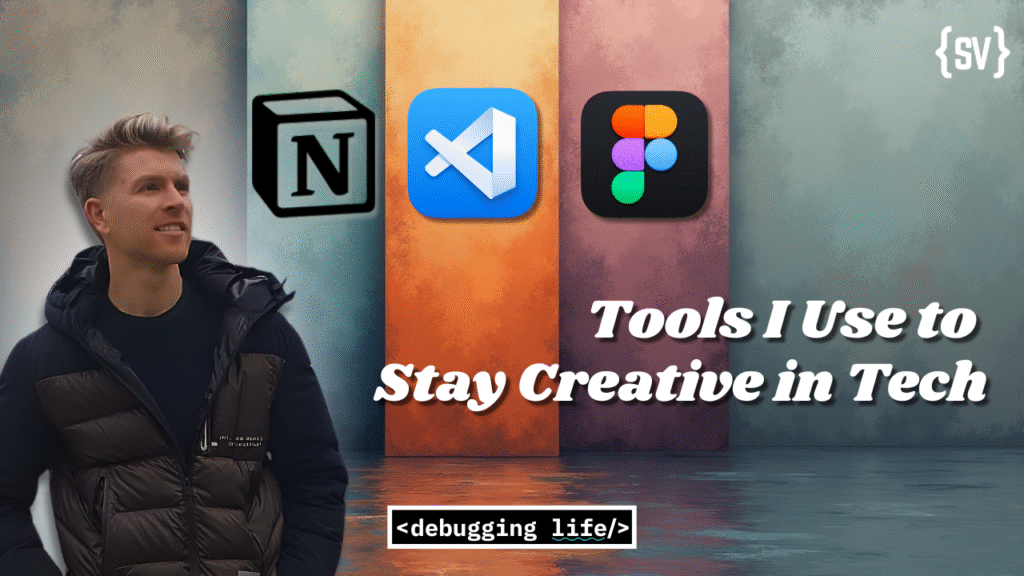
These are the tools that keep me creative in tech — the ones that turn ideas into projects and chaos into something meaningful.
The link between creativity and structure
Creativity isn’t chaos — it’s organised curiosity.
As someone who’s spent years choreographing movement on stage before ever touching a keyboard, I’ve learned that structure doesn’t restrict creativity; it amplifies it.
In tech, my creativity lives inside systems — the tools that catch ideas before they disappear and give them a place to grow. Over time, I’ve found a few that feel less like apps and more like creative partners.
Here are the ones I use daily to stay inspired, focused, and building.
🧠 Notion — My Creative Command Centre
If my brain had a dashboard, it would look like my Notion workspace.
It’s where every idea lands before becoming something real — from blog outlines to project timelines, even the occasional shower thought about a new app idea. I use it to map everything:
- A content hub for my blog and newsletter
- A project tracker for my builds
- A place to log things I’m learning
Notion keeps my creative chaos structured. It helps me see progress in one place — and that visual clarity often sparks new ideas I wouldn’t have connected otherwise.
Check Out Notion Here!💻 VS Code — Where the Magic Happens
If Notion is where I think, VS Code is where I create.
I’ve tried a few editors, but VS Code feels like home. My setup isn’t fancy — just a few extensions like Prettier for clean code, GitLens for context, and a dark theme that makes late-night coding sessions oddly peaceful.
There’s something deeply creative about watching an idea take shape, one line at a time.
It reminds me of choreographing — small, intentional moves that eventually flow into something complete.
Check Out VSCode Here!🎨 Figma — Designing Before Building
Before I write a line of code, I usually sketch the experience in Figma.
It’s my digital sketchbook — the place I can experiment, move fast, and make mistakes before they cost time later.
I used Figma heavily while designing TinySteps and even mocked up early versions of Debugging Life.
The process feels artistic — balancing spacing, flow, and emotion in the same way dance balances rhythm, shape, and intent.
Figma lets me see what I’m building before I build it — and that visual clarity fuels better decisions in code.
Check Out Figma Here🤖 Let’s Address the Elephant in the Room
I’d be lying if I said AI hasn’t changed the way I work.
But here’s the truth: I don’t use AI to code for me — I use it to learn with me.
Whether it’s breaking down an unfamiliar concept, explaining an error in plain English, or brainstorming a better approach, AI tools have become a kind of coding partner — a second pair of eyes that never gets tired.
That said, AI isn’t a replacement for understanding — it’s a shortcut to clarity.
And while I could go on about how I use it, I’ll save that for an upcoming post dedicated entirely to the topic.
💭 Final Thought
Every tool on this list helps me stay creative by making room for creativity.
They’re not about doing more — they’re about thinking better.
And in a world full of distractions, that’s what keeps me building. It’s very easy to spend a lot of time figuring out what tool to use and being sucked in by a shiny new piece of tech, but ultimately I try to keep things lean and only use a new tool or technology if I really have too. That’s not to say I don’t love learning and discovering new things!
If you enjoyed this, I share more tools, reflections, and lessons each week in Debugging Life — my newsletter about creativity, tech, and the messy process of learning.
See you in the next one.
Stephen